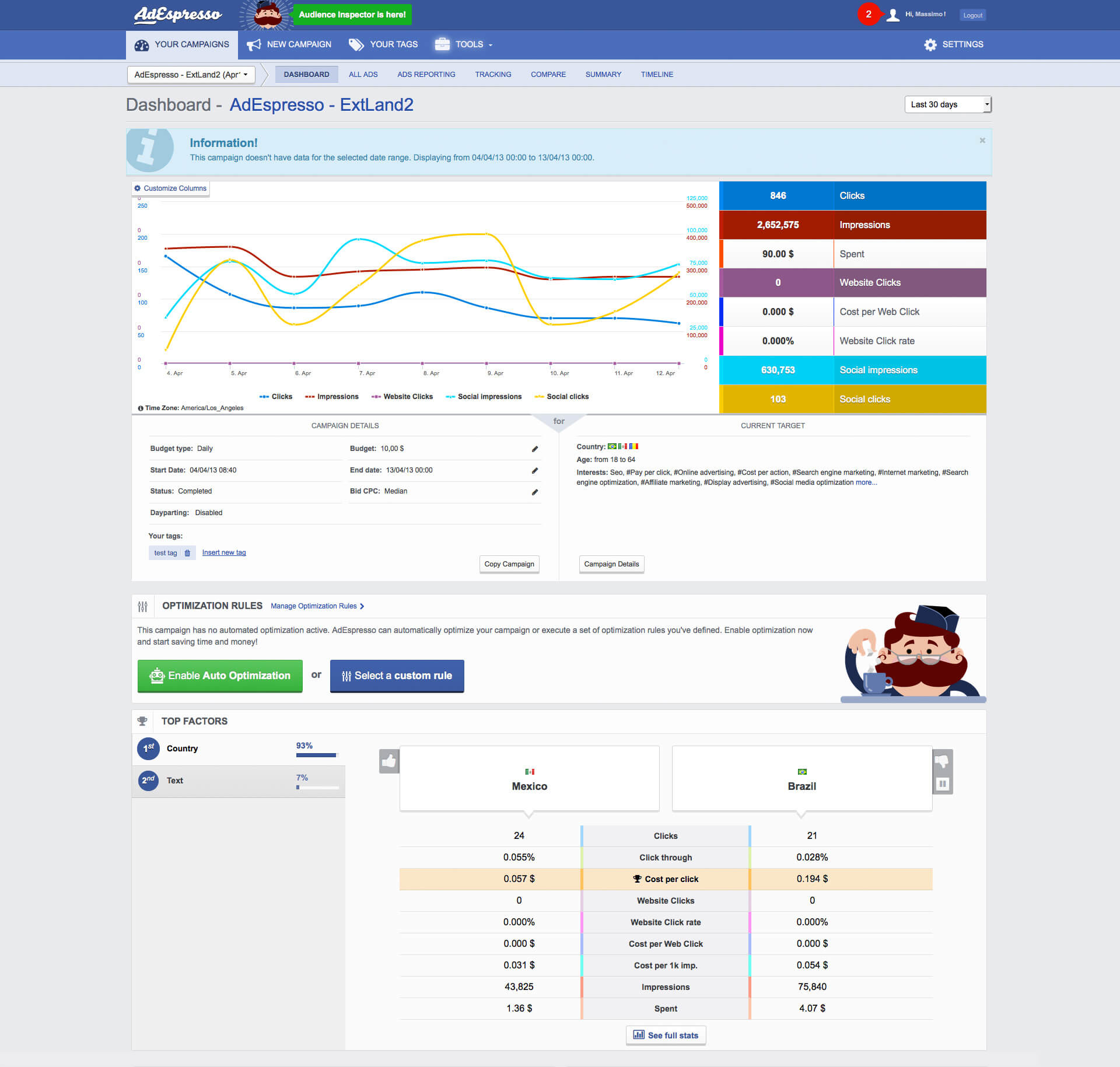
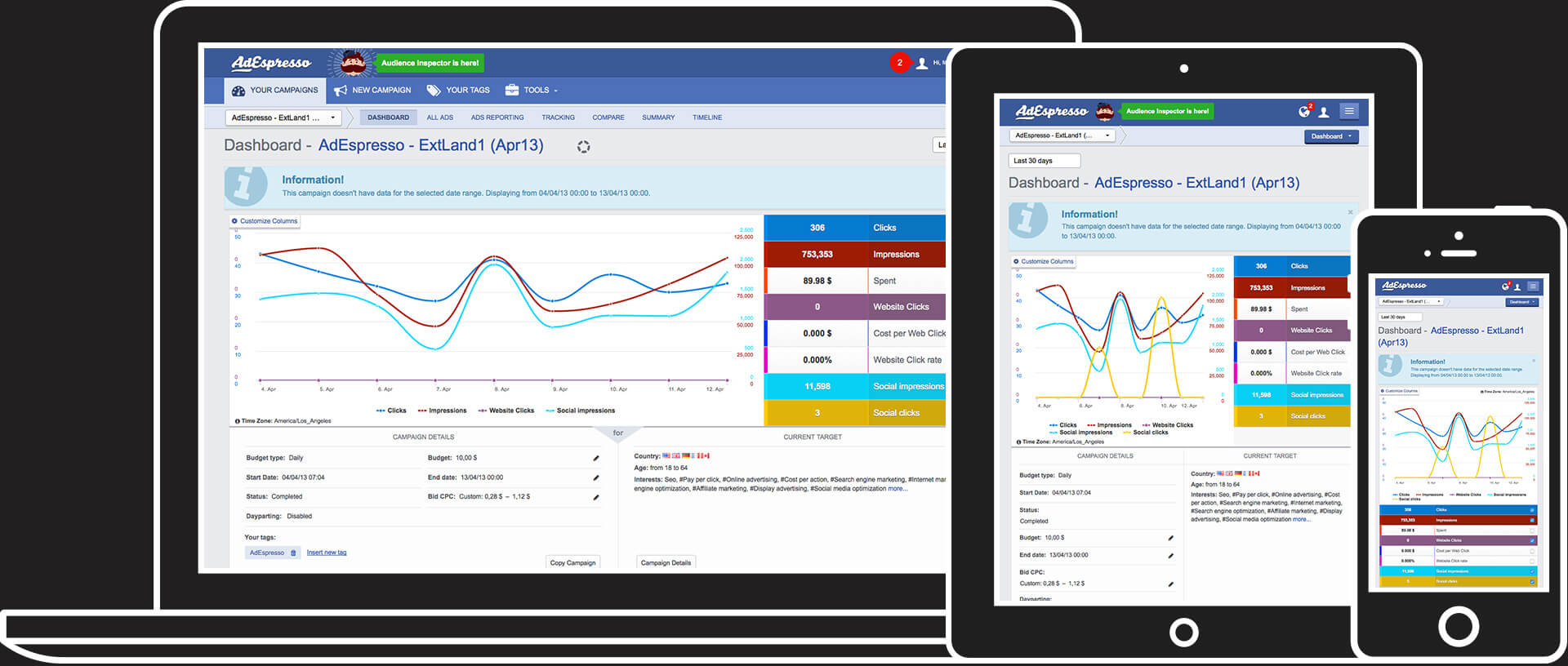
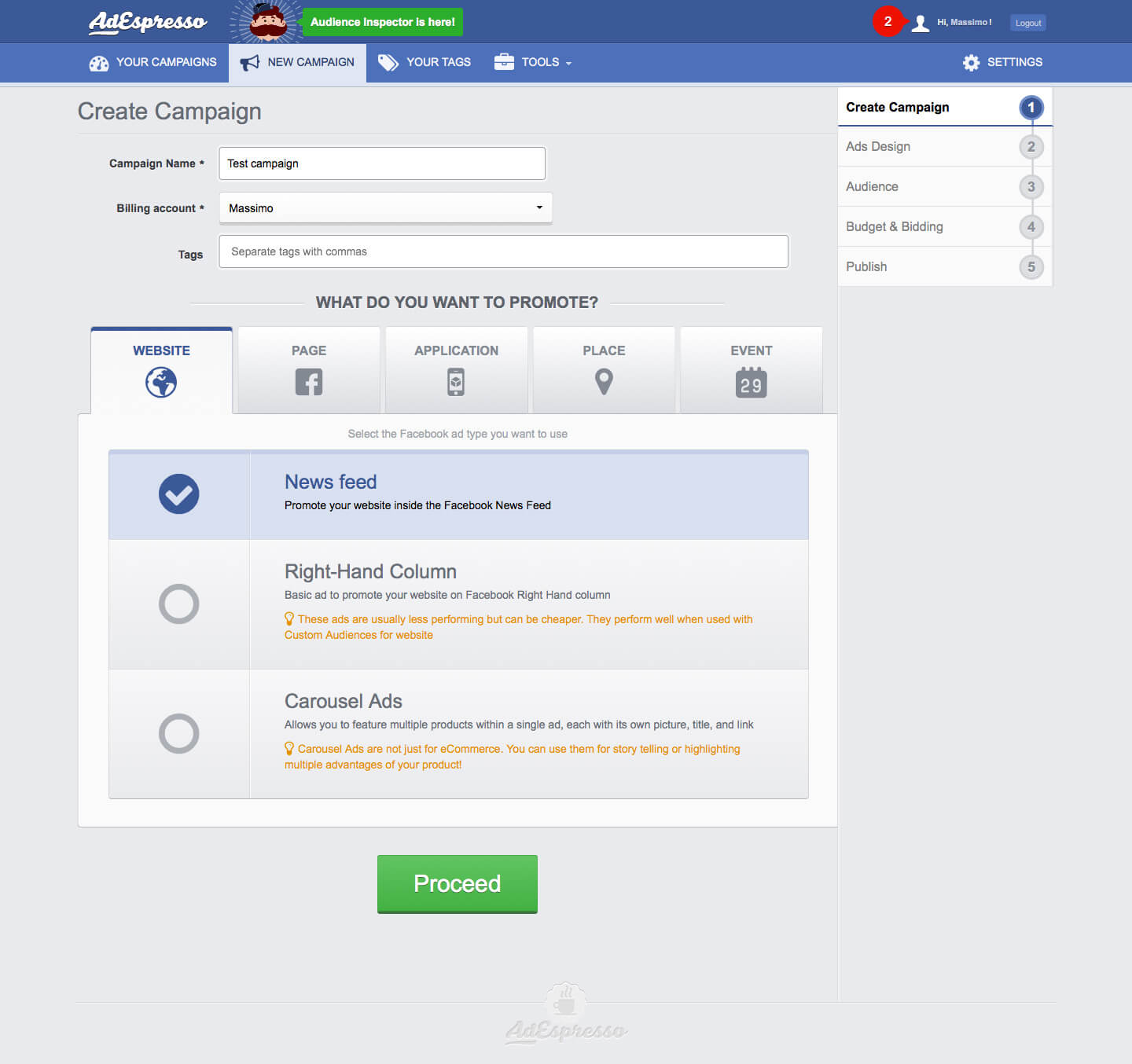
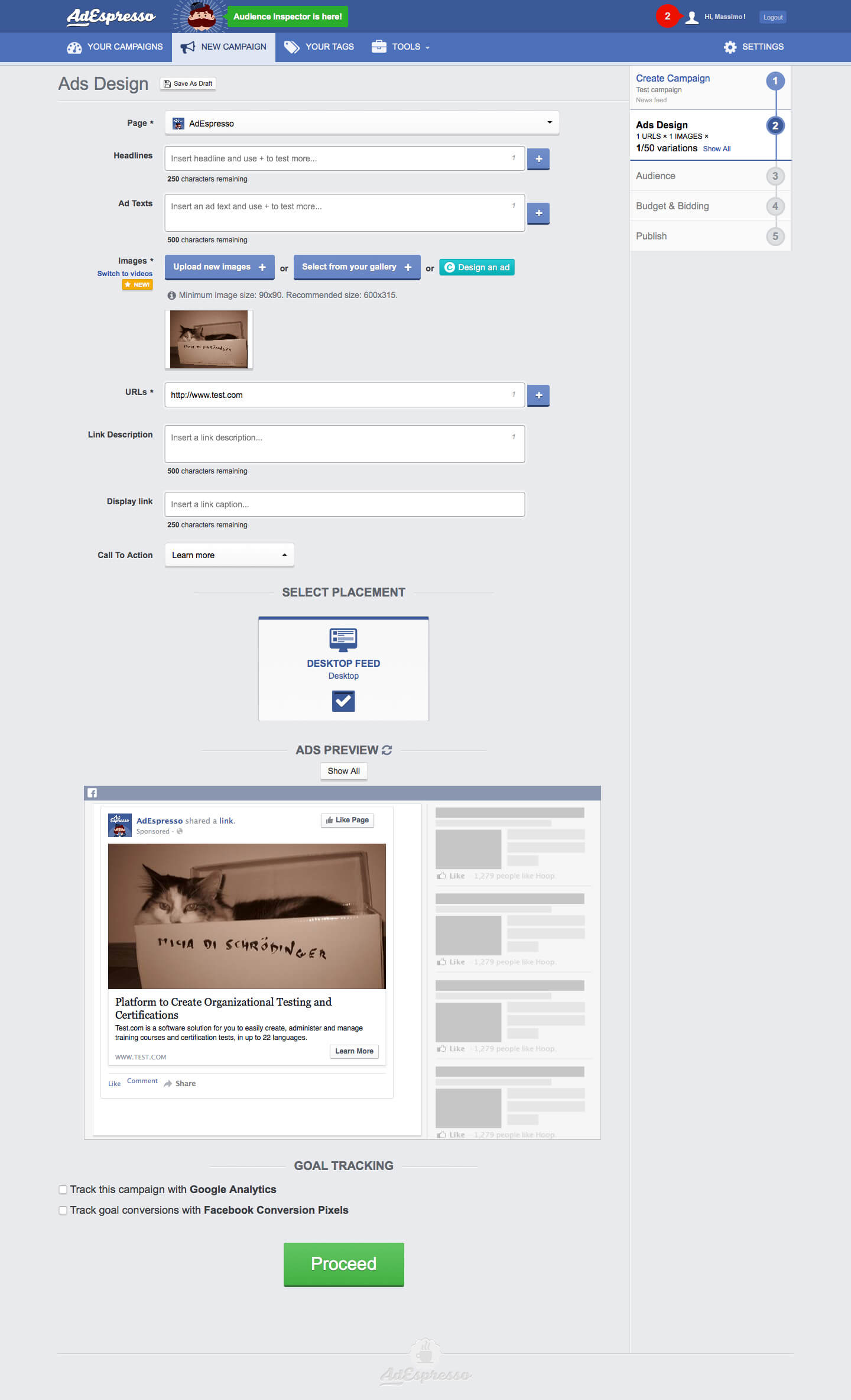
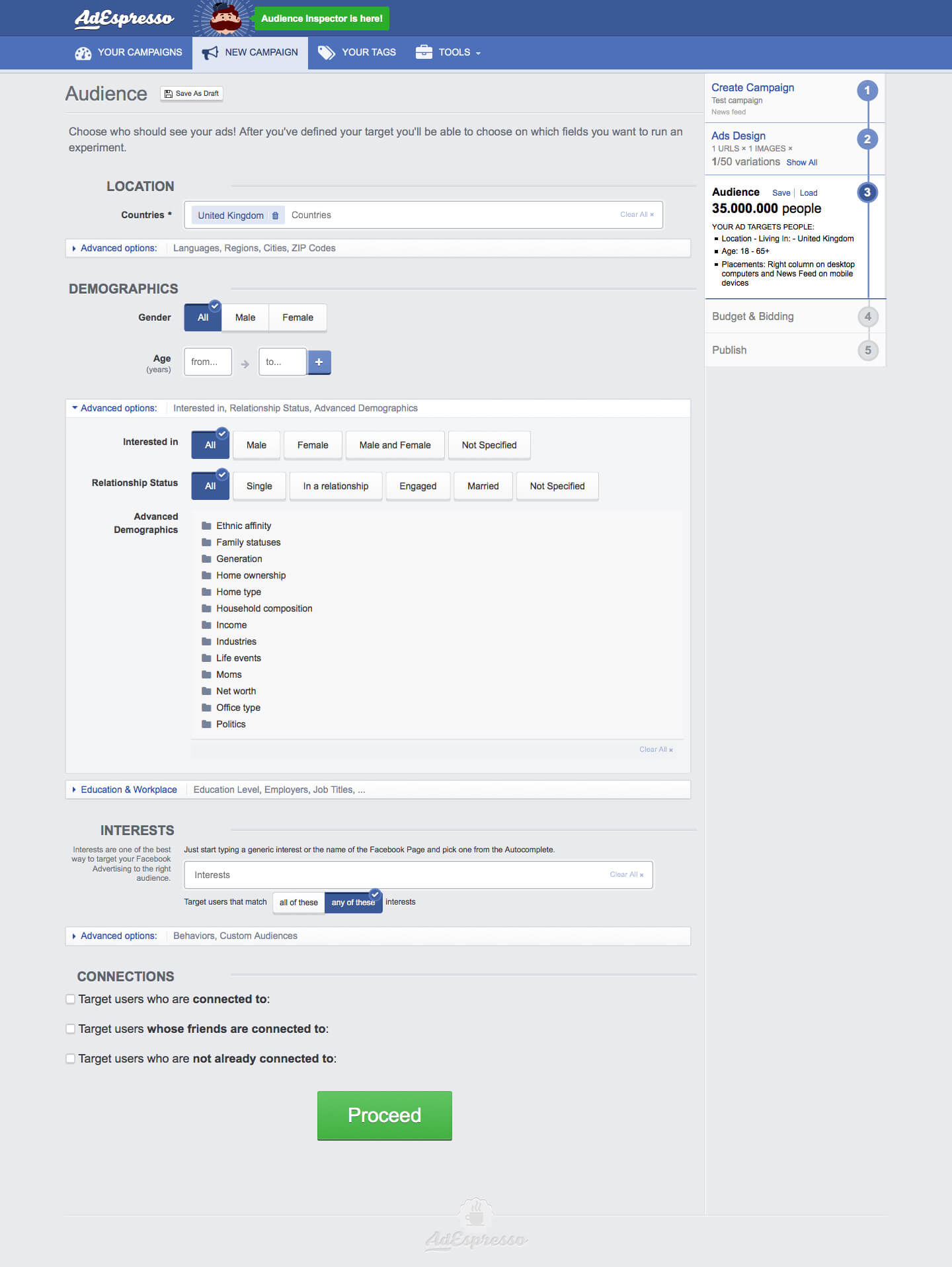
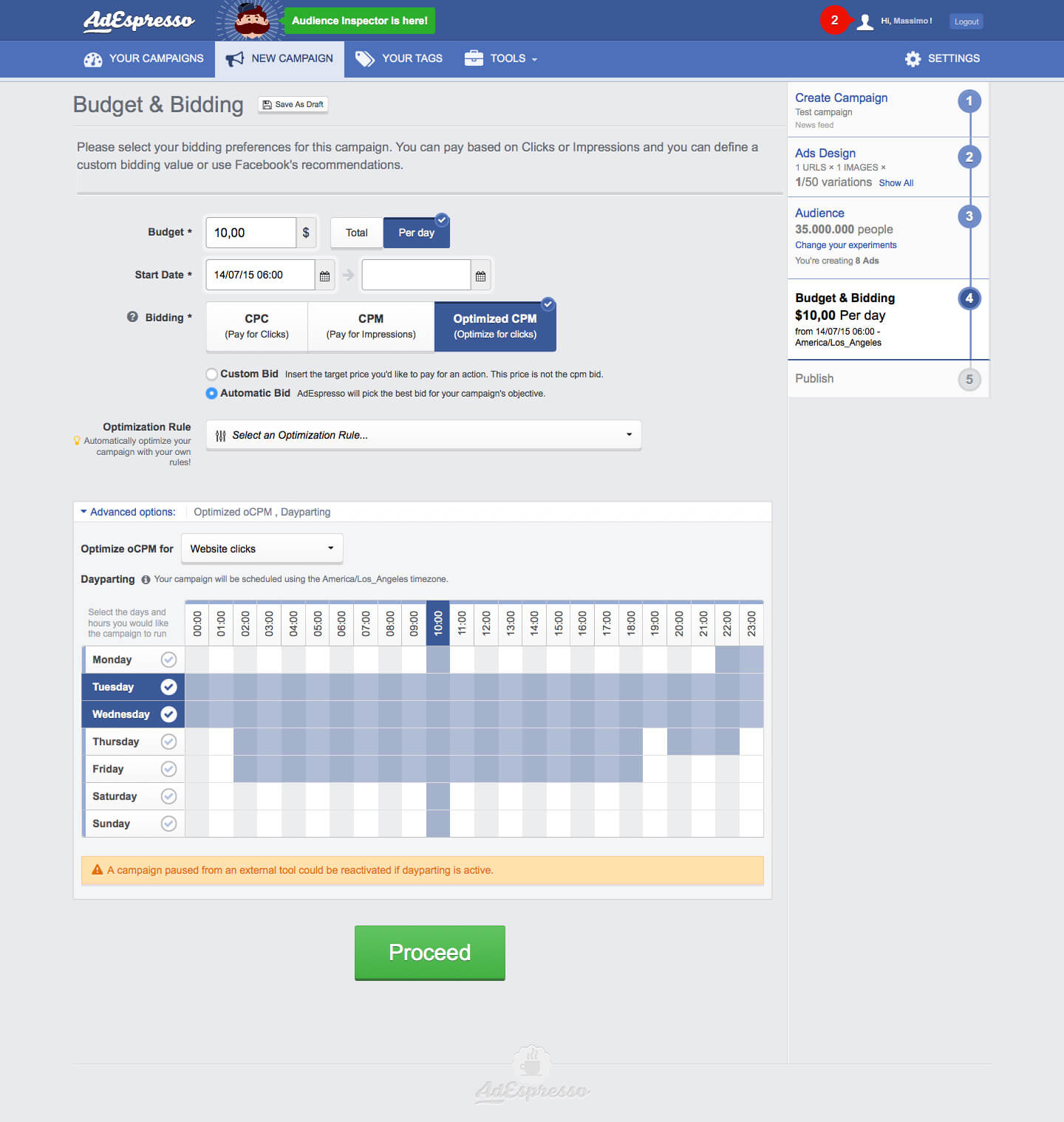
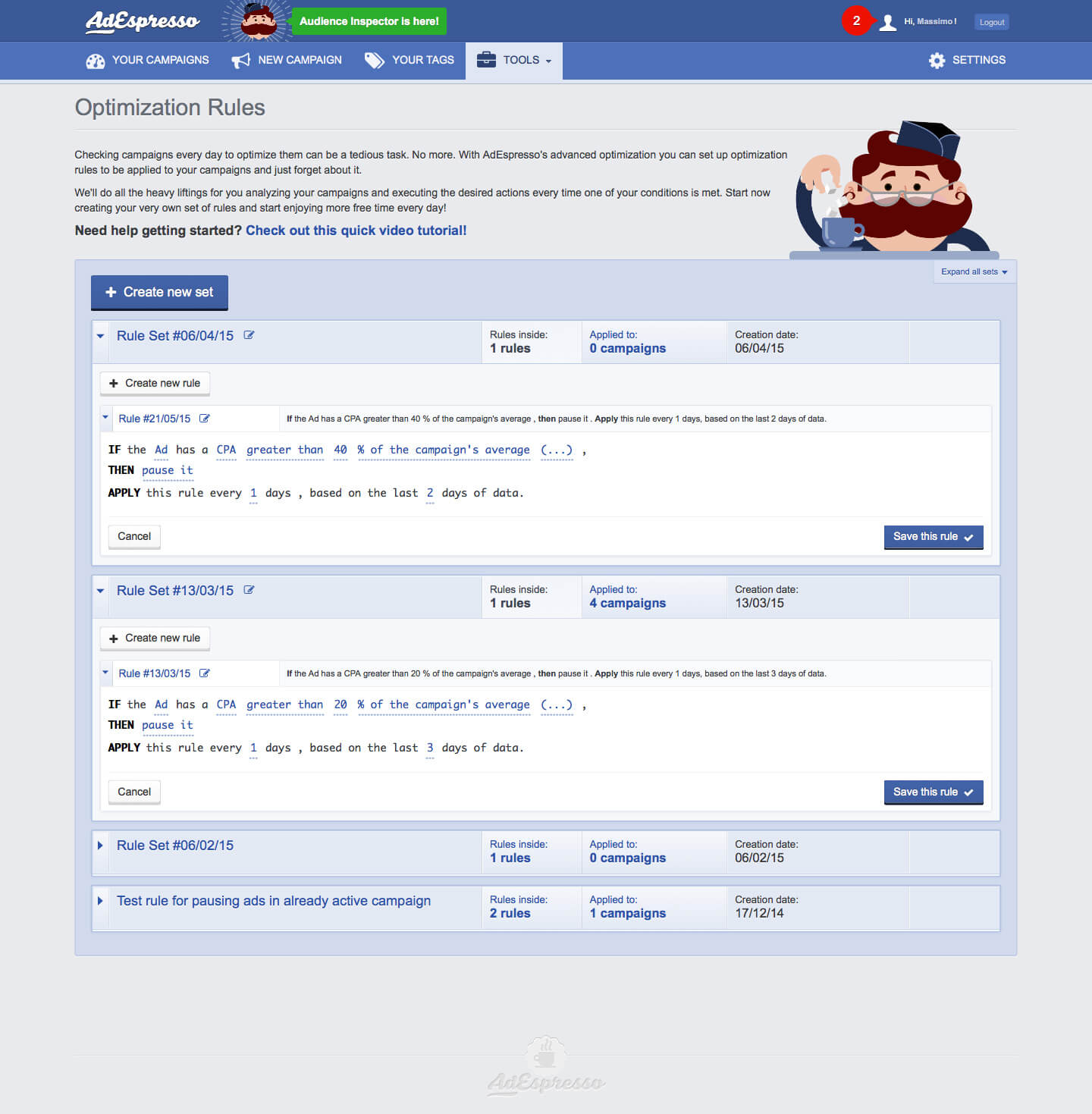
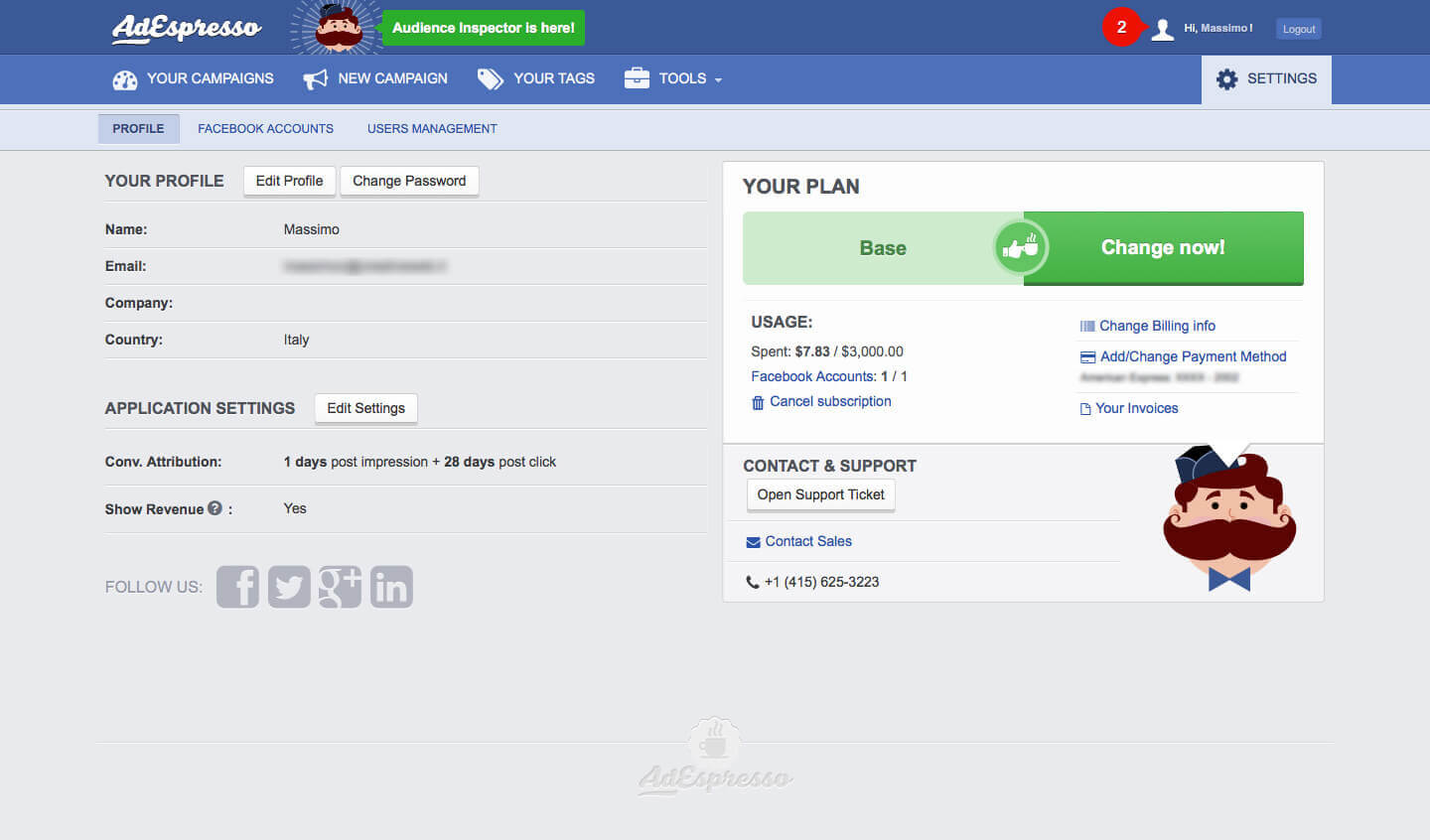
AdEspresso is a web tool for managing and optimizing Facebook and Google Ads paid advertising.
The start-up was born as a spin-off of CreativeWeb, was selected by 500Startups 2013 (a US startup accelerator) and then acquired by Hootsuite (the leading tool for organic social content management) on February 2017.
I have been working at AdEspresso since its early days, and had the pleasure to see it growing from a 5 people side project, to a 500Startups member, to a full-grown company.
My role within the company has always been very dynamic and got more and more important. I mentored other front-end developers and designers, gradually concentrating on the visual side. In the last 2 years, I have been focusing entirely on the UX side – working with Sketch, InVision, Sketch Cloud, and Gallery.io.
During the last year, I also spent a great deal of time on building a robust and detailed design system working alongside developers.
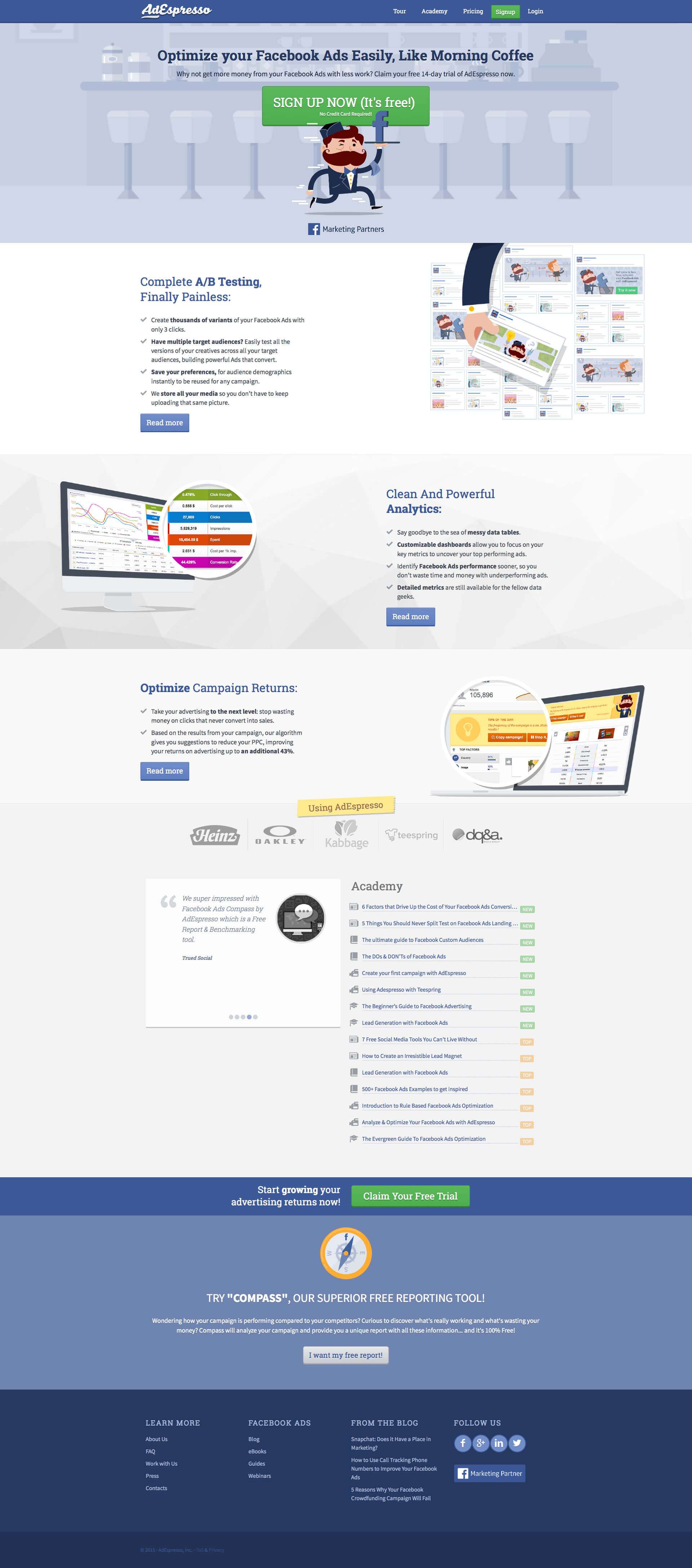
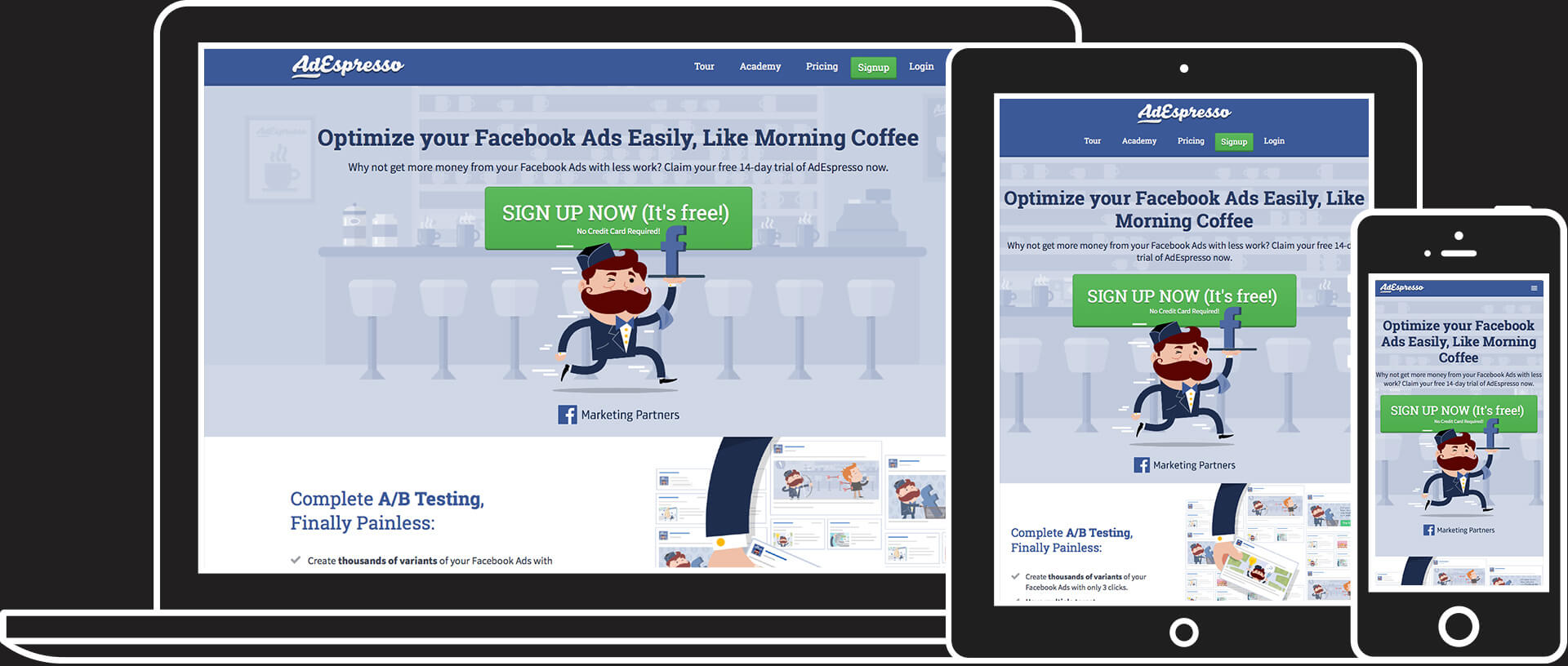
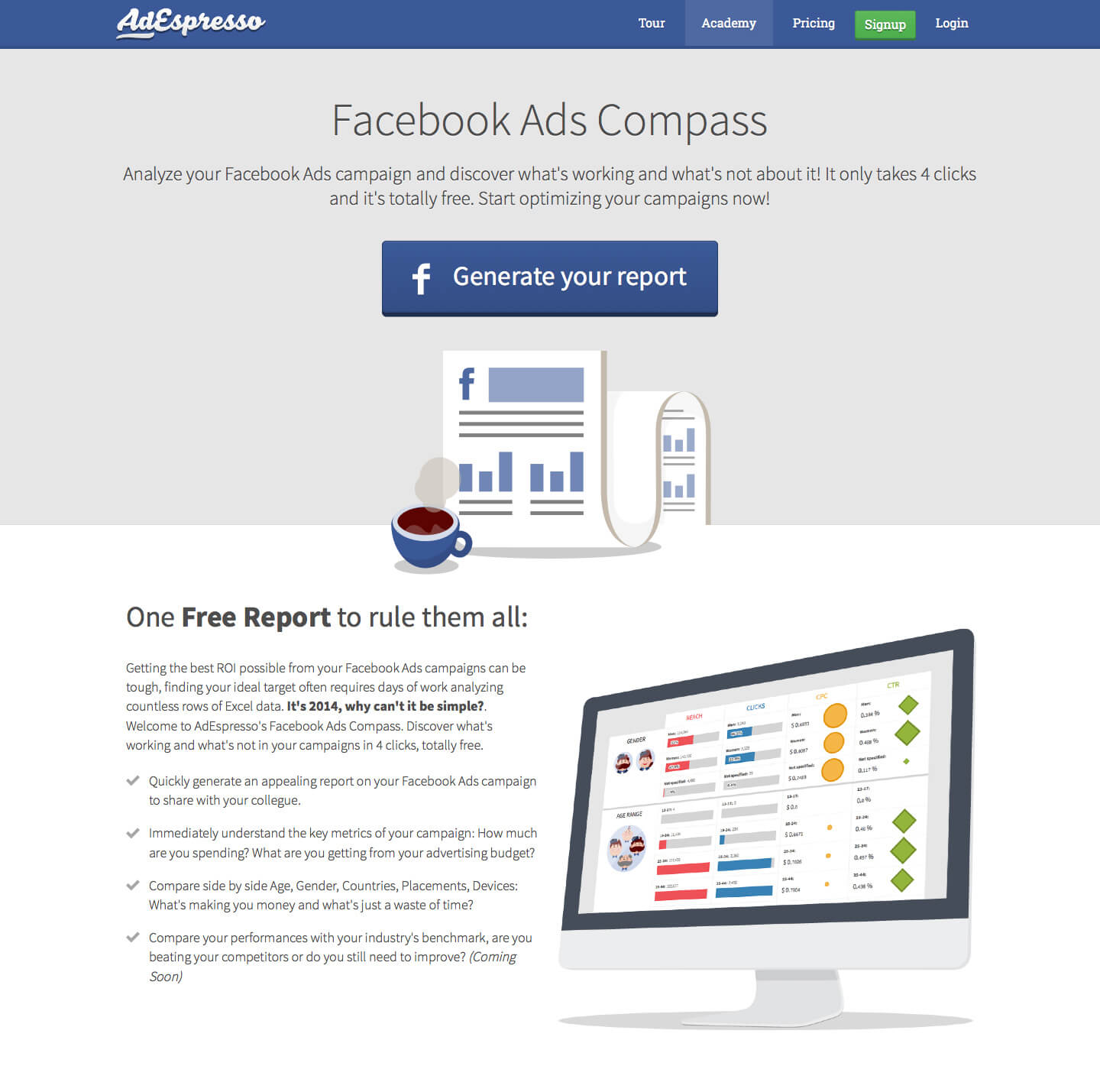
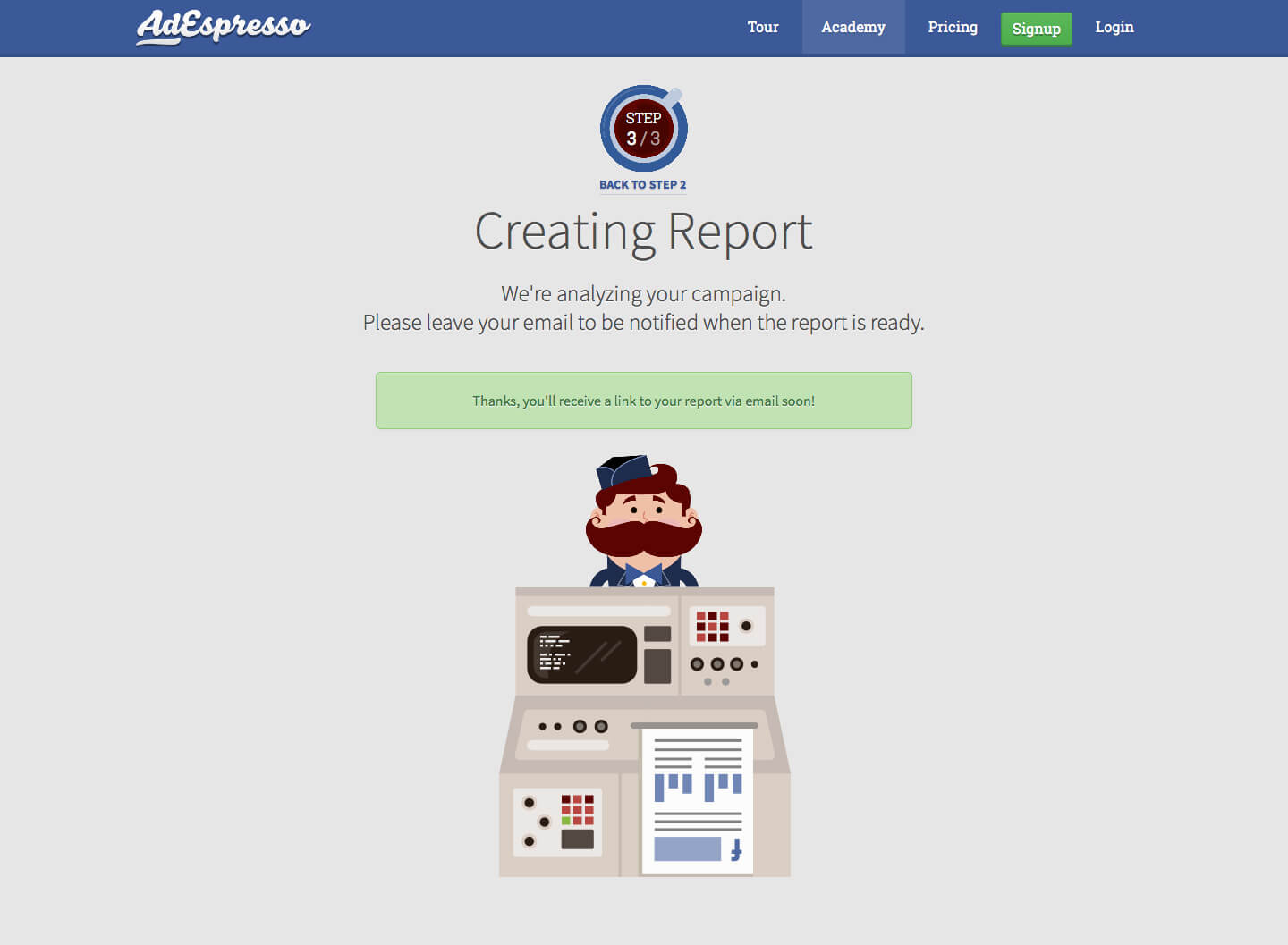
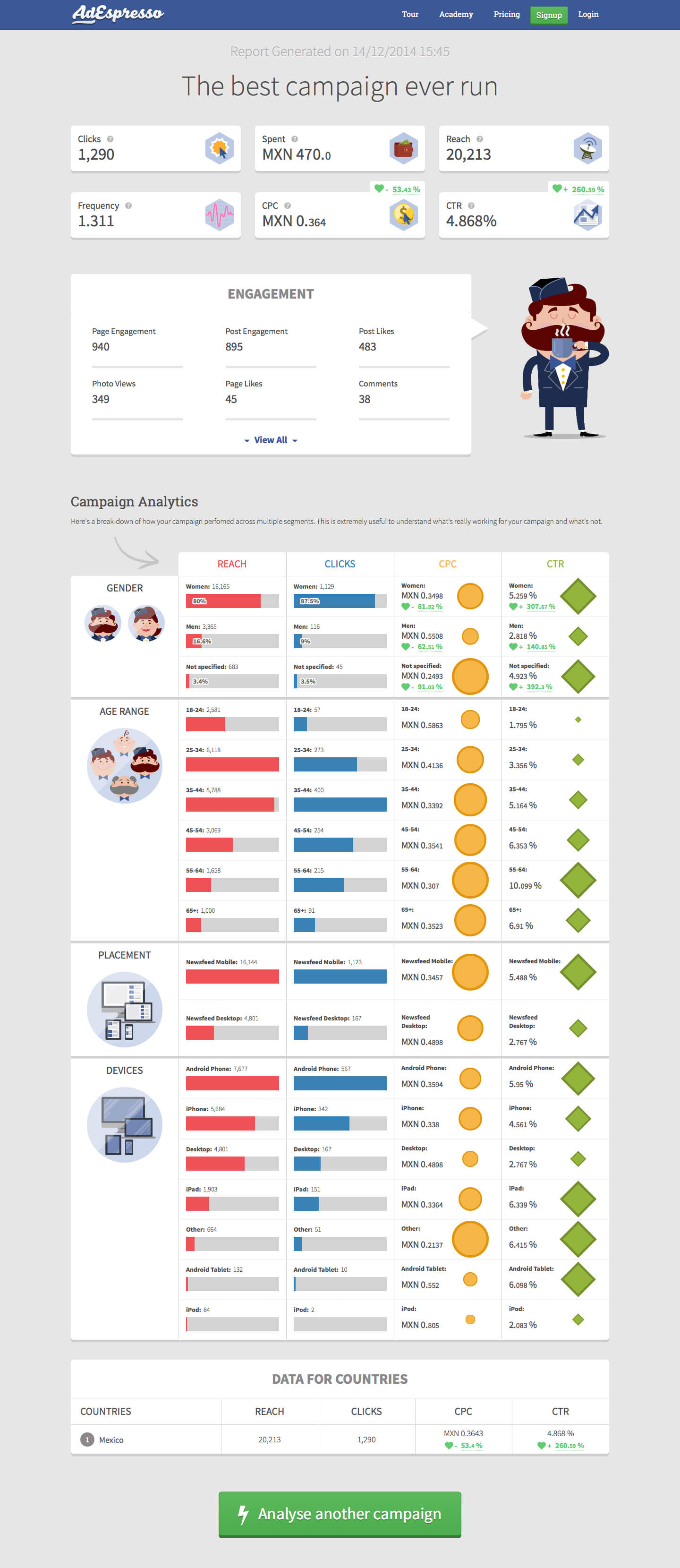
This is the website build for the "AdEspresso" web-app, where users can find out more about the tool, subscribe, read the blog and download ebooks. It also links to "Compass", another web tool that analyses Facebook ad campaigns and generates an easy-to-read report. I've been involved in the design of layouts, icons, ebooks, illustrations and in the front-end development, too.
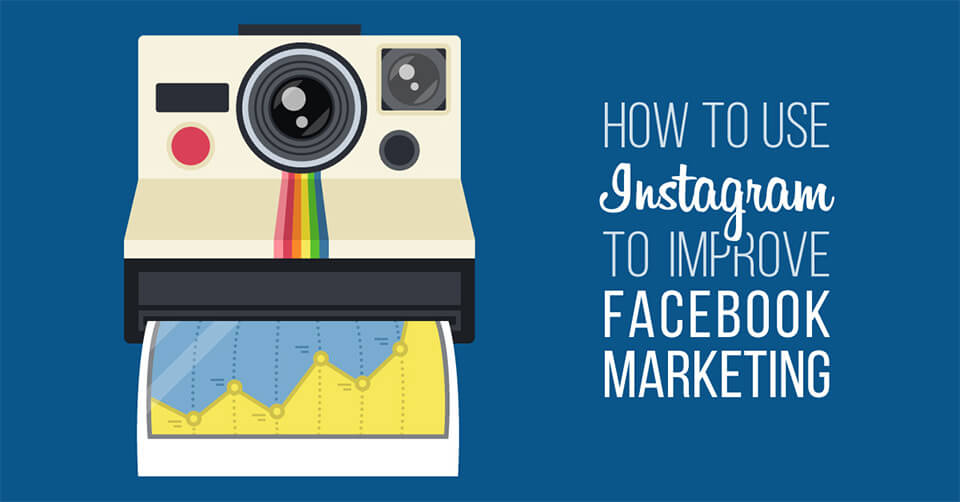
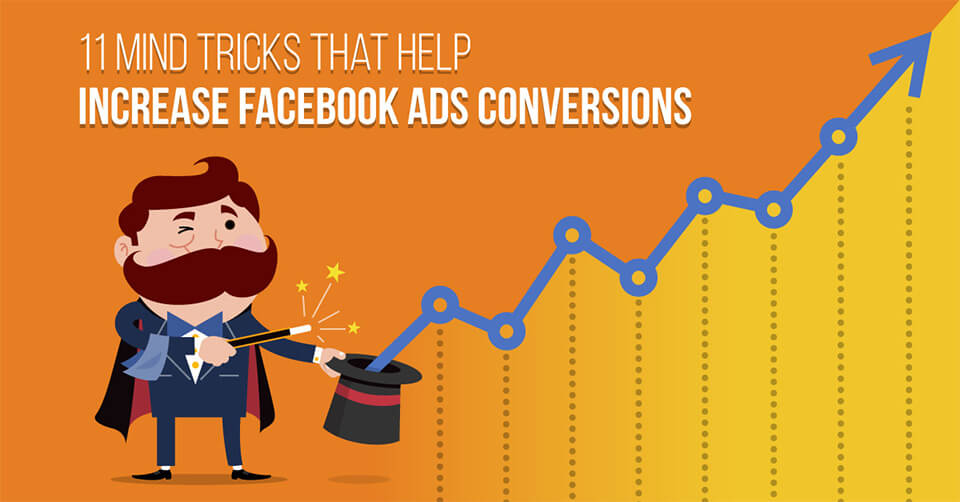
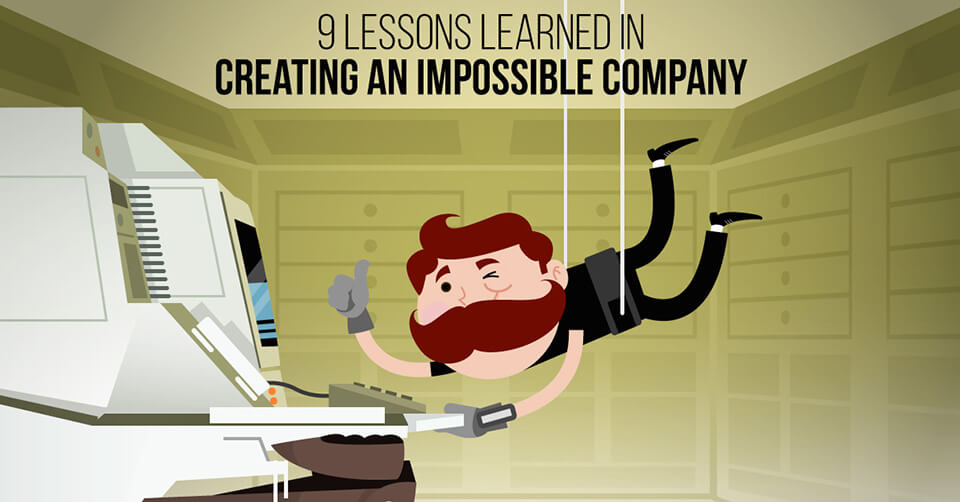
For the Blog section, I took care of the design of many illustrations (usually 2/3 per week) related to the topic of the post published, following Facebook guidelines and trying to develop a sort of “branding” to make all AE illustrations appealing, immediately distinguishable and recognisable. These are some of my favourites:
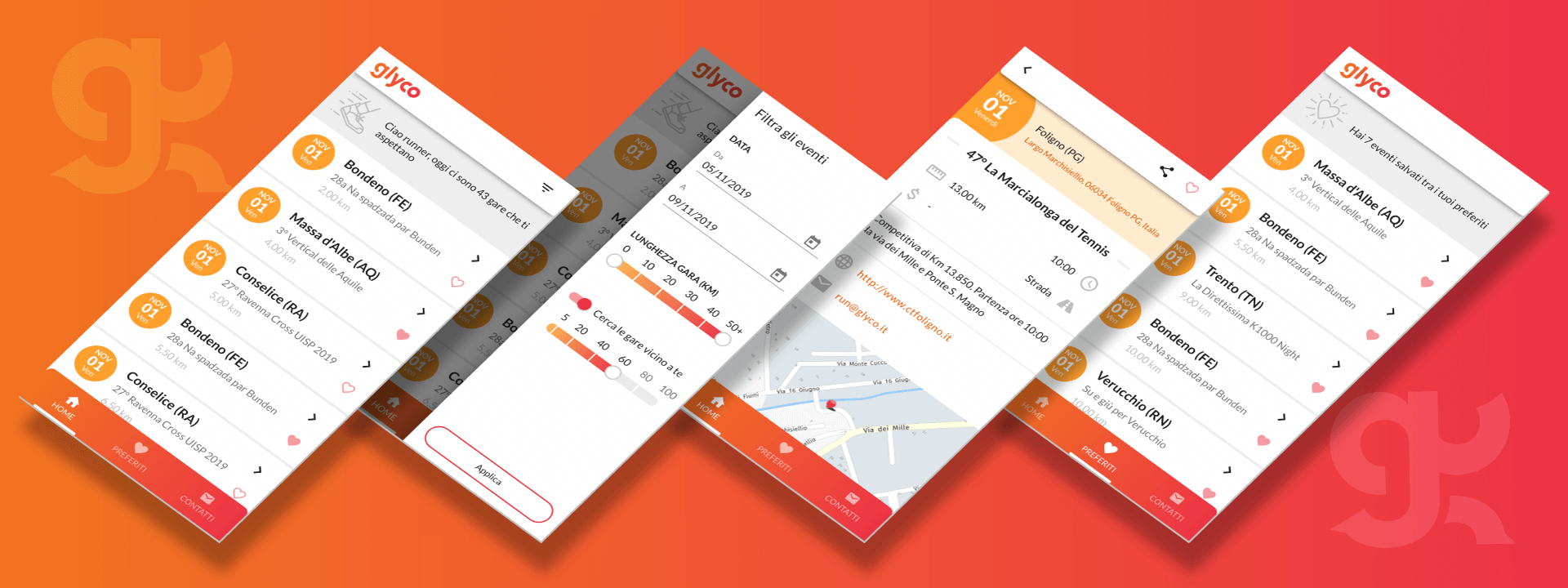
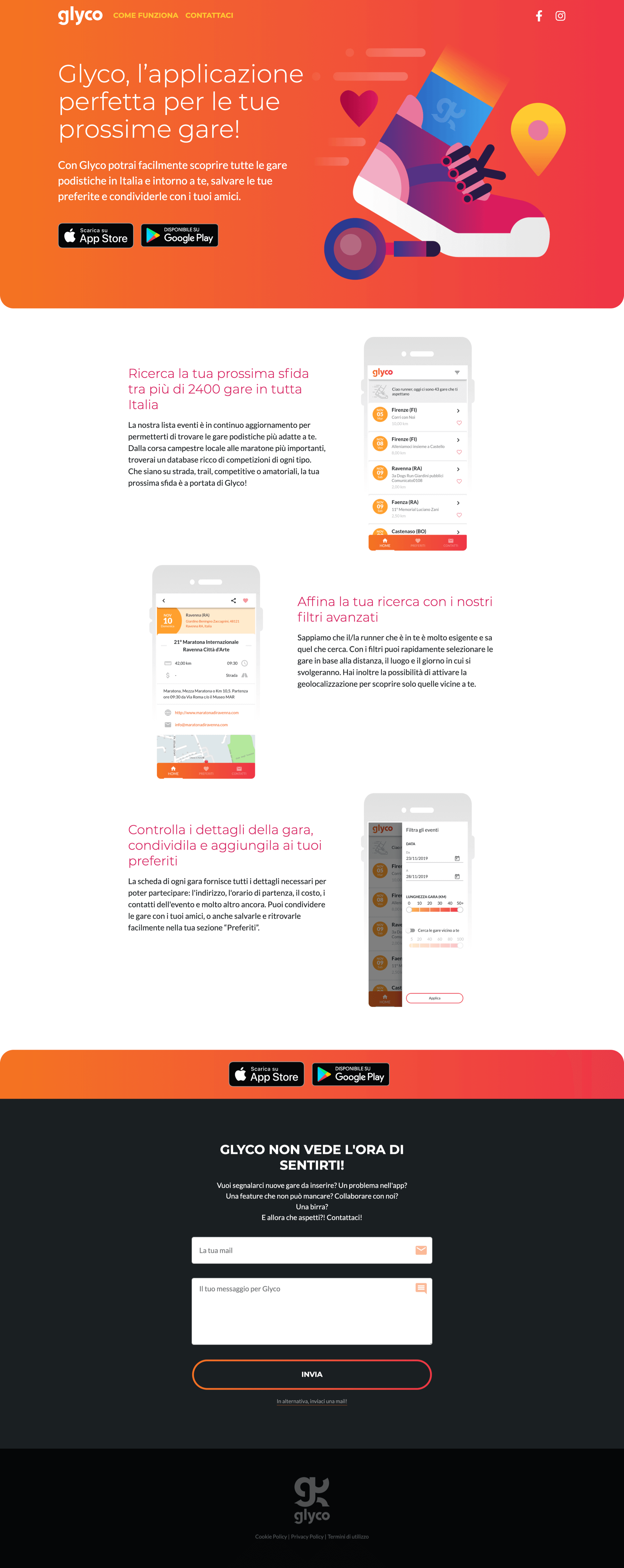
Glyco is a mobile app born in 2019 that running enthusiasts can use to find, save and share their next run. The app, which is a personal project in collaboration with 3 friends of mine (all developers), is available to download both for iOS and Android.
Glyco aggregates all running events in Italy, no matter the distance, the type of terrain or if they are competitive or not. Users can easily search and find the running competition that best suits their needs by using the filters (date, distance, terrain, etc…) and can save the events they are interested in in a “favorite” section within the app, add them to their personal calendar on their phones or share them with friends.
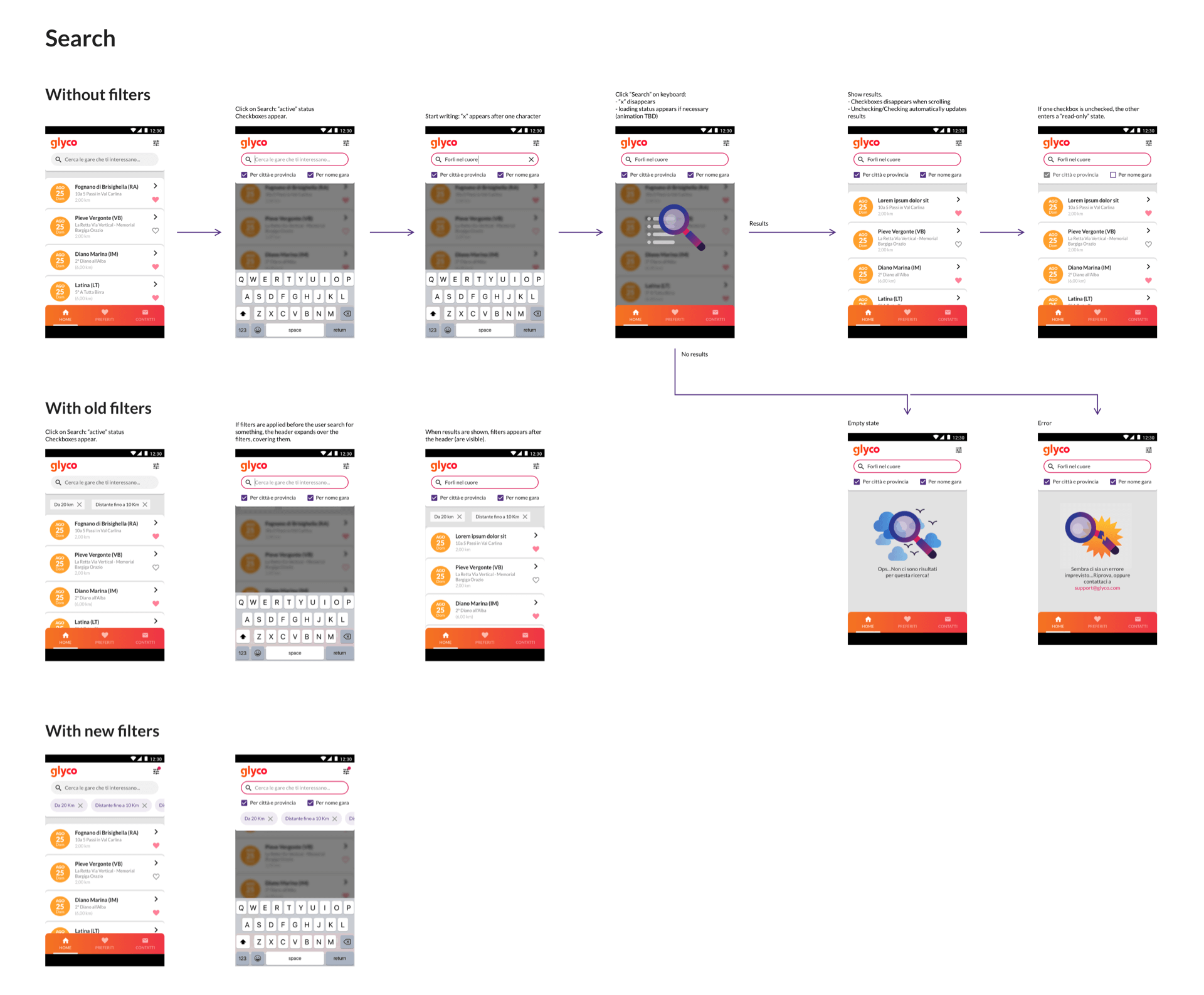
This is an example of a mockup made in Sketch for the “Search” feature:
Glyco is a side-project I decided to work on for fun, as a UX exercise, along with 3 friends of mine (all developers). It is the first mobile app we have ever worked on, so it’s a little bit of an experiment and lots of design decisions, as in every project, have to make a compromise with the technical limitations met.
In addition to working on the UX side, I created some illustrations and tried to visually define the brand in terms of logo, colors, and style…
In May 2016 I traveled across Thailand for 2 weeks. It was my first backpacking experience and I enjoyed every second of it, the reason why I decided to dedicate it a website describing my itinerary day by day. It is an experimental project based on Greensock, best performing on Google Chrome.
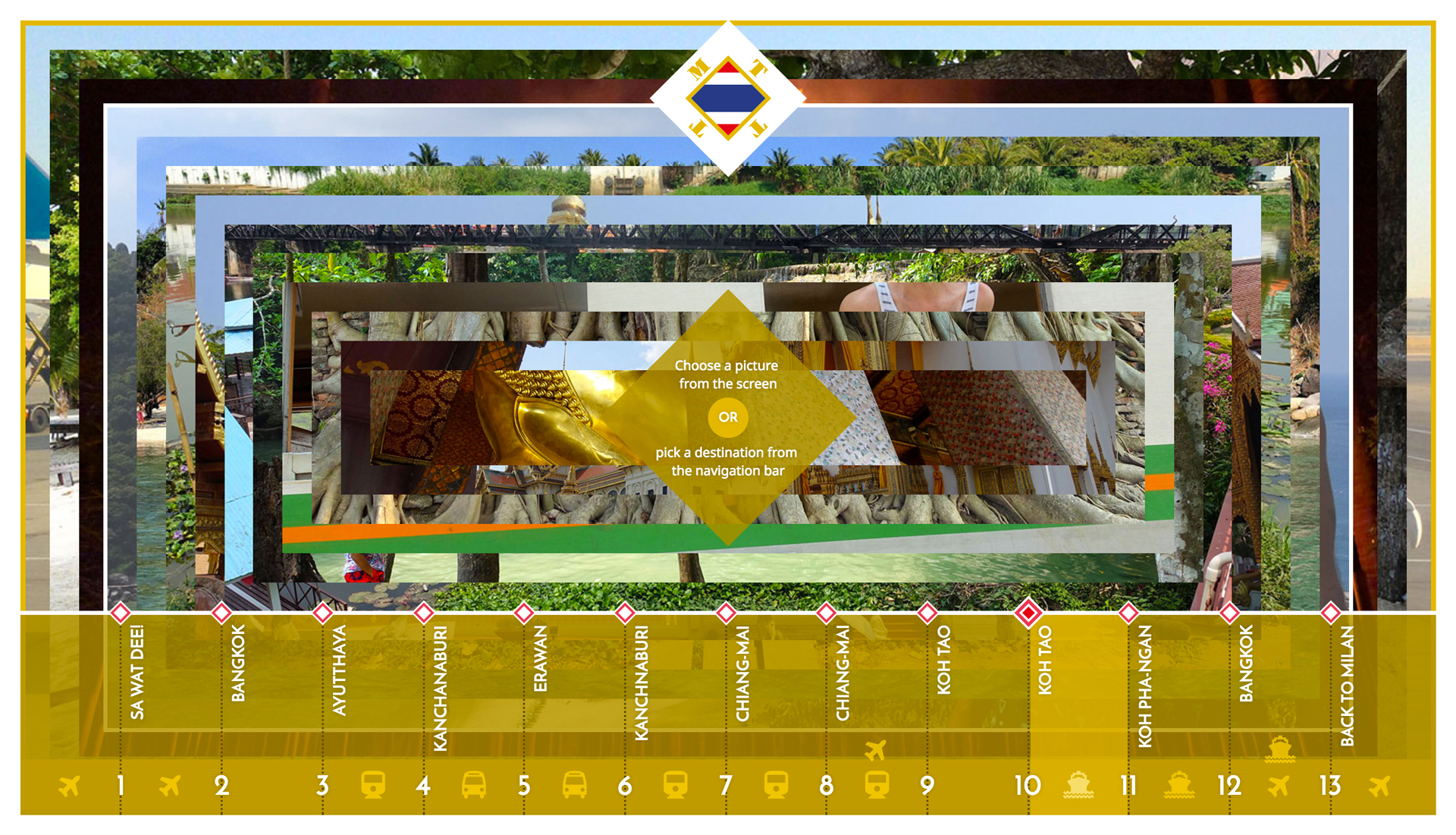
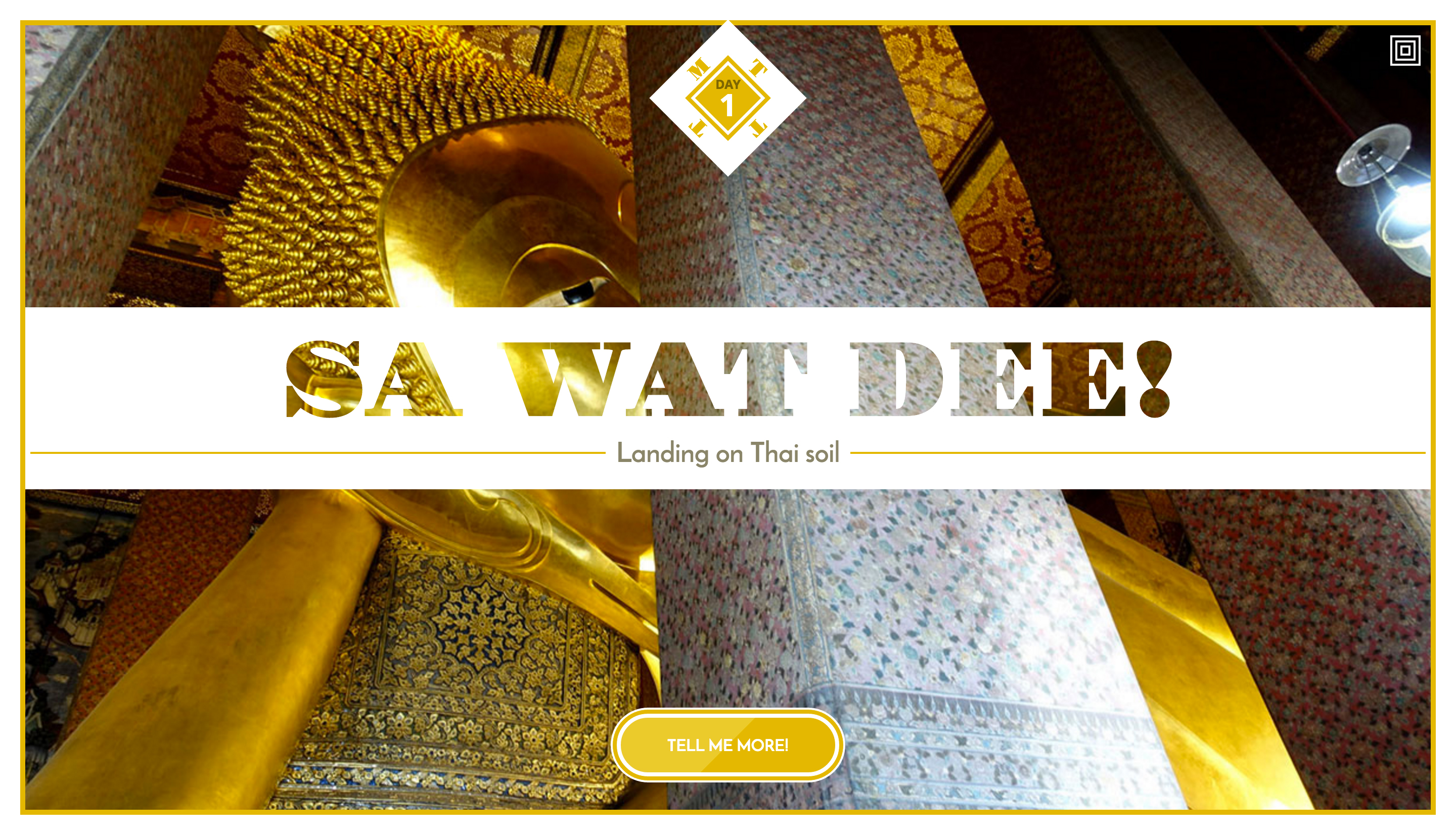
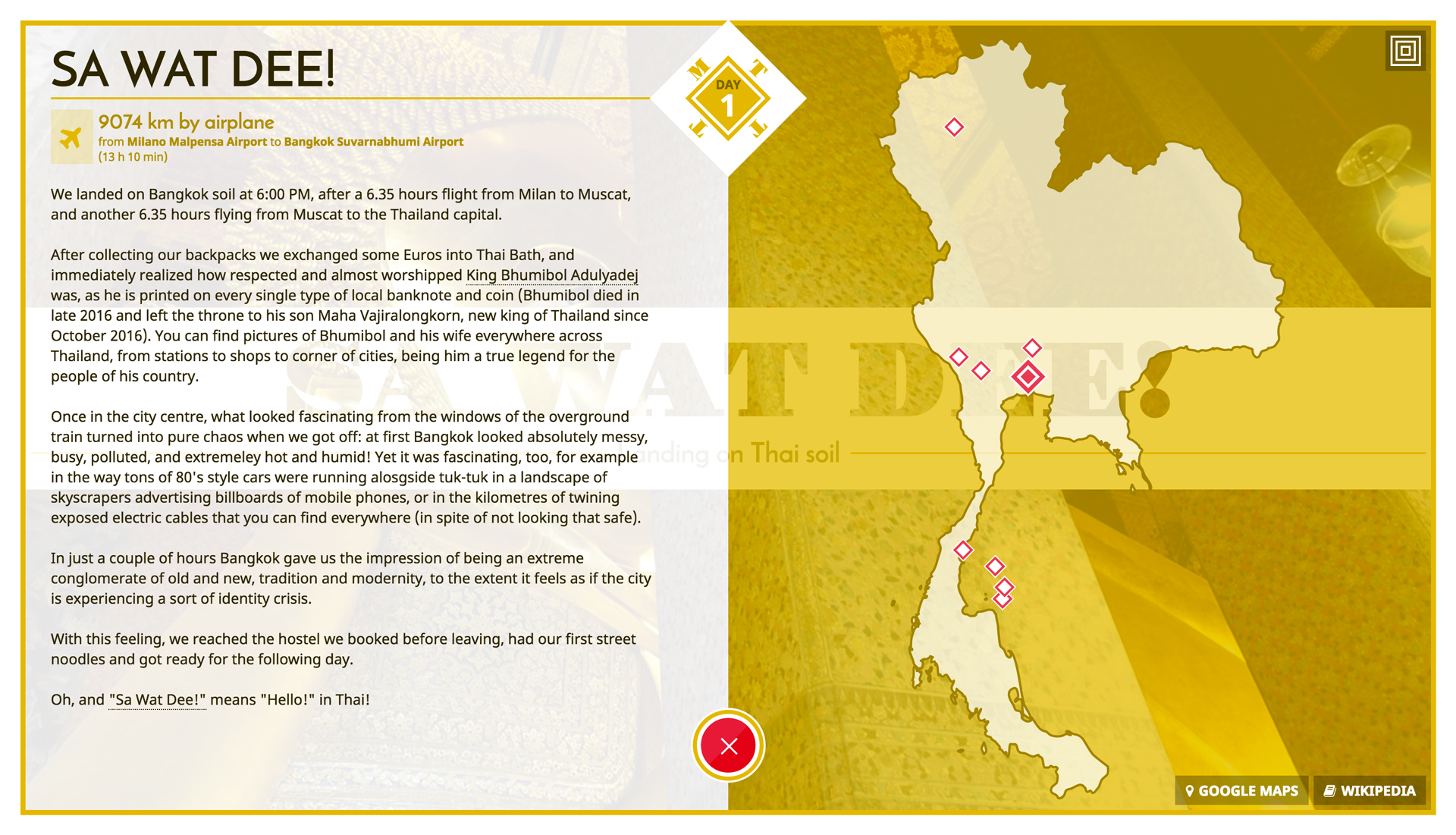
The website is divided into 13 main sections, one per day of the trip, each one showcasing the place visited that day and related important sites, offering additional information including a map and links to external resources to know more. Animations are built combining CSS and Javascript (Greensock).
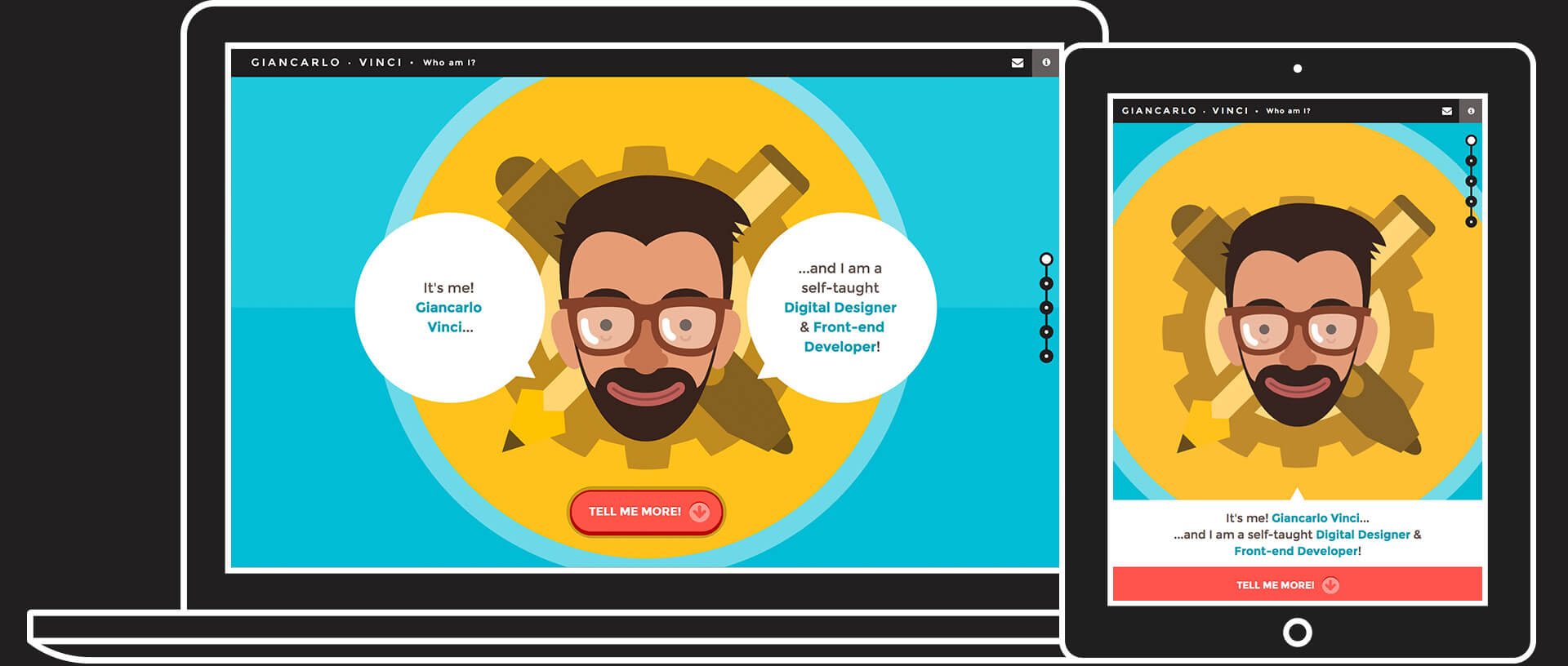
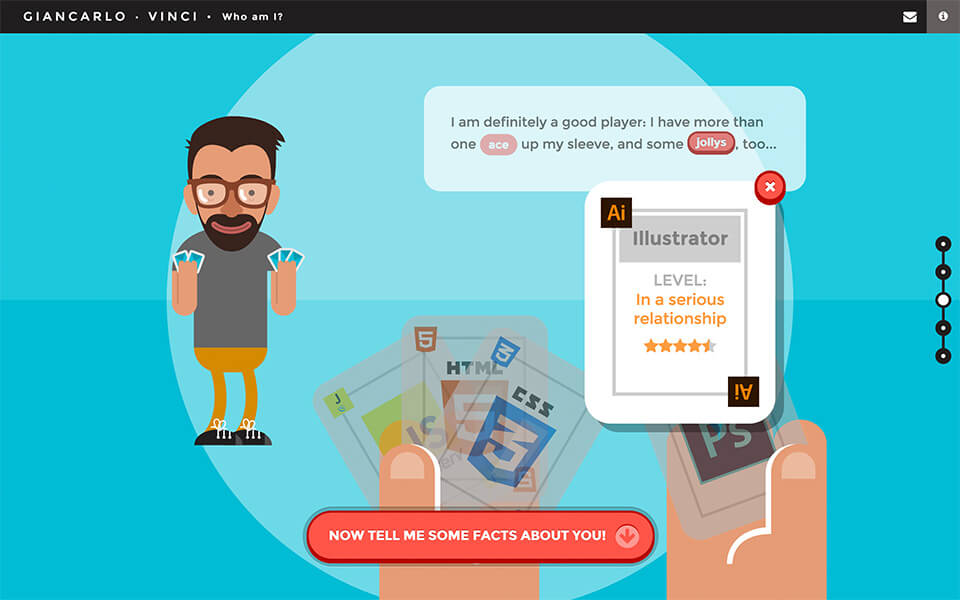
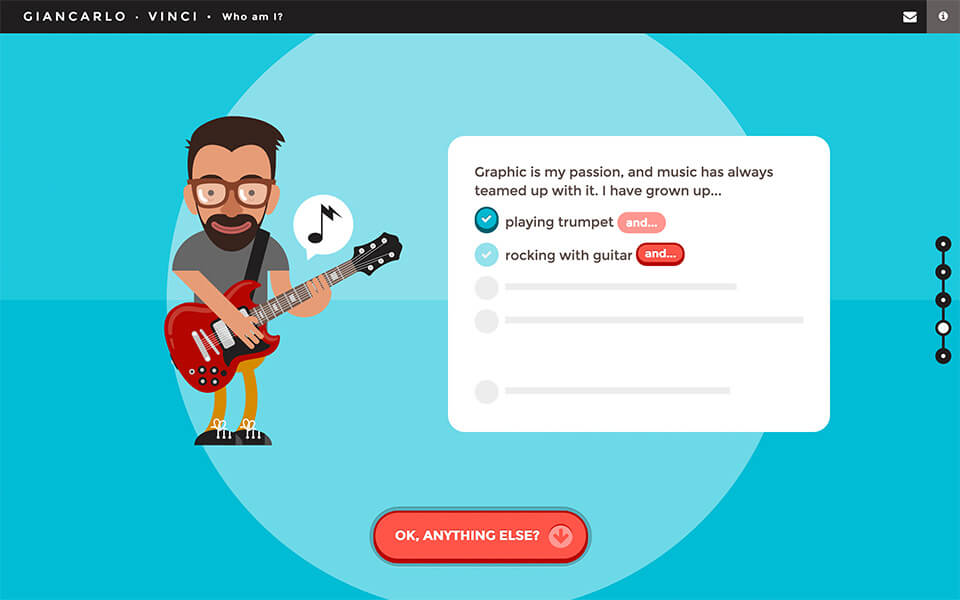
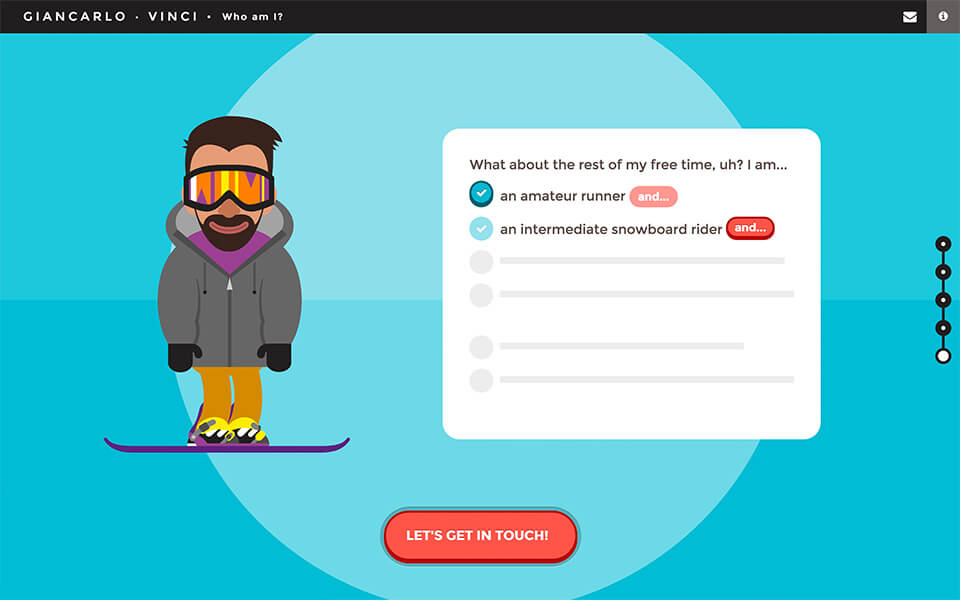
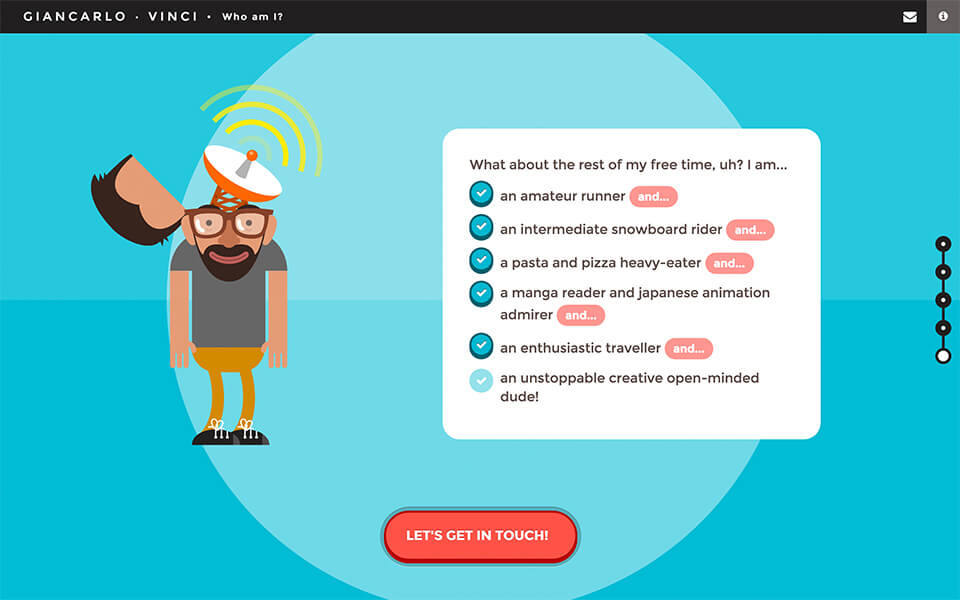
Do you want to know more about me, what I do and how I do it? So check out this one page website: an unconventional resumé full of vector graphics and interactive animations, optimised for desktop computers and best viewed on Google Chrome.
The website it’s divided in 5 main sections, each one giving more information about me – from the tools I use to the music I listen to and how I spend my free time) through the use of custom illustrations, transitions and animations.
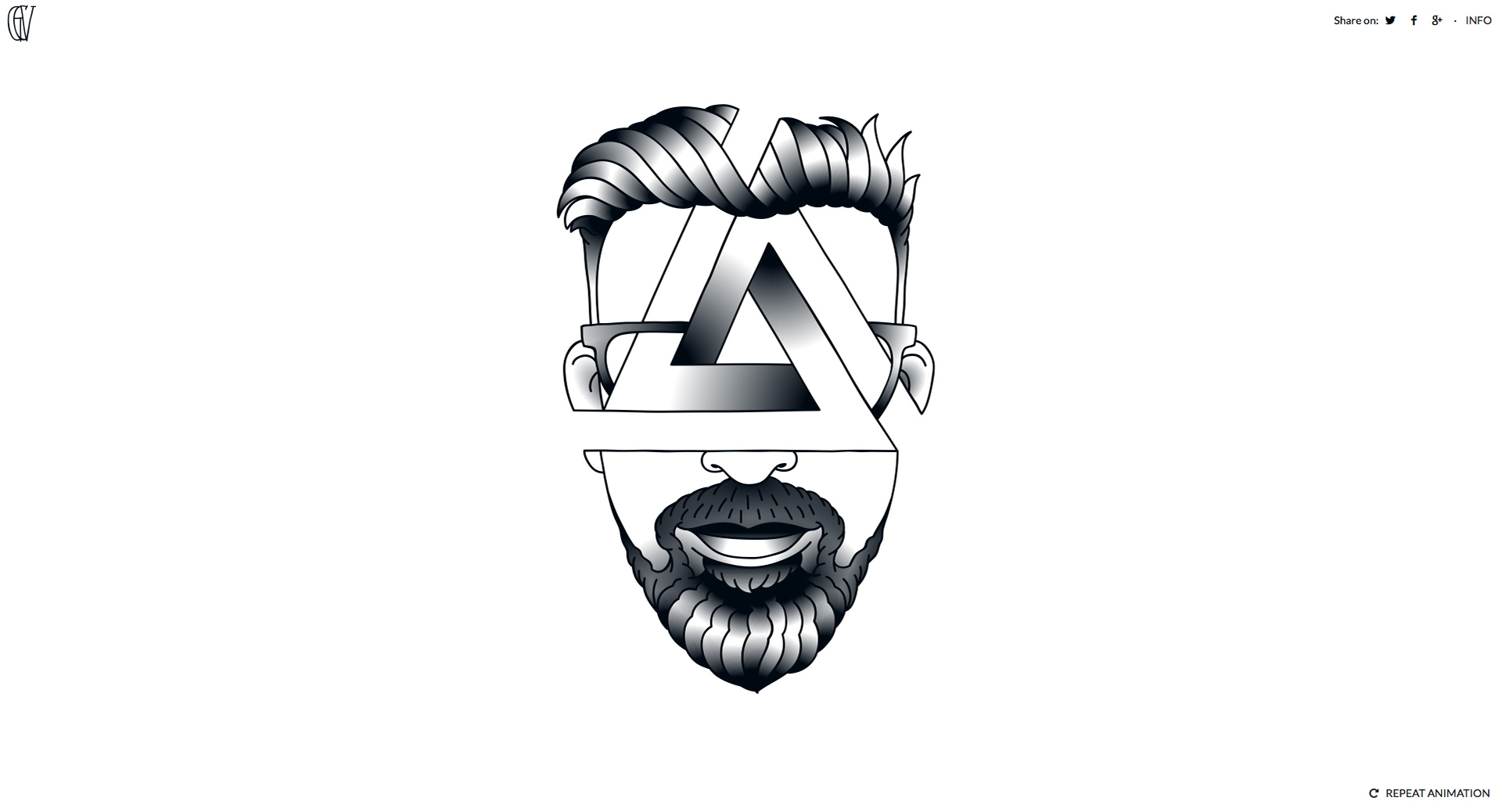
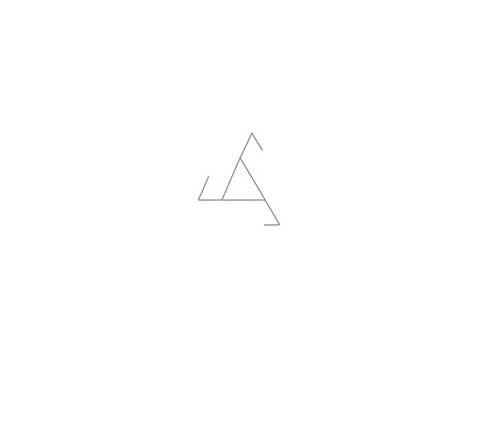
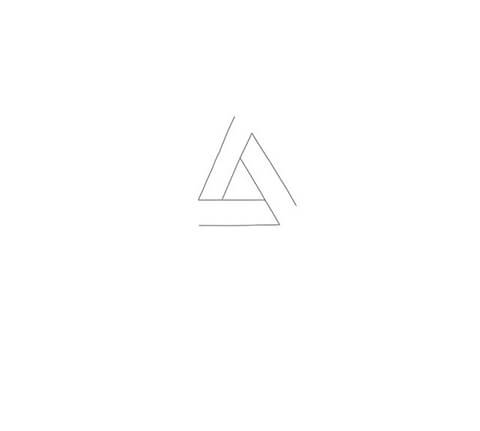
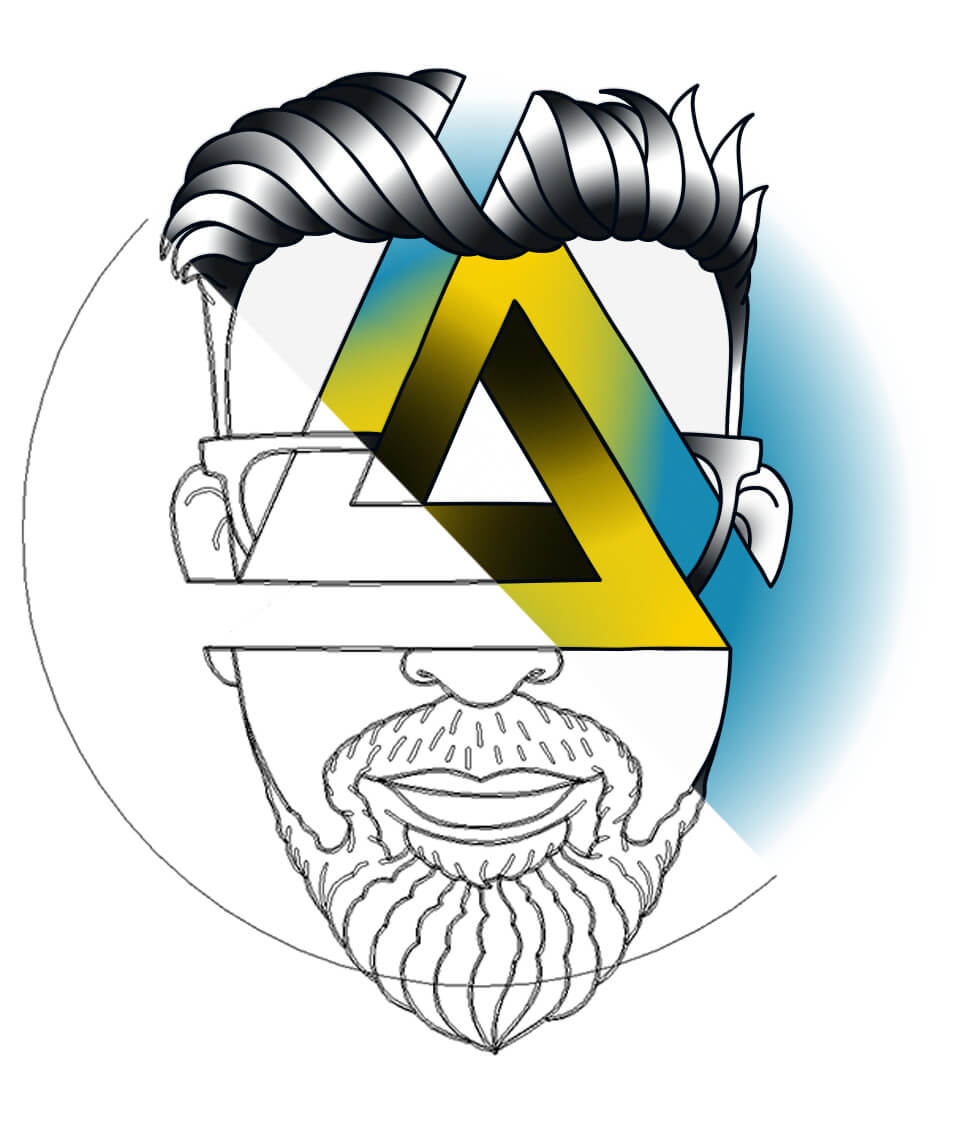
This personal experiment is an SVG animated version of a self-portrait I draw entirely in Illustrator. Once clicking on "play", starting from the main shape of a penrose triangle the illustration is drawn on the page thanks to a mix of SVG and CSS transitions and animations.
Frames of the animation:
Below it is the original illustration (100% vector graphics), which is in color. The idea was to keep the colors and animate them, too, but in the end I decided to use the black and white version due to some browser inconsistencies in color gradient animations which were causing odd behaviours.
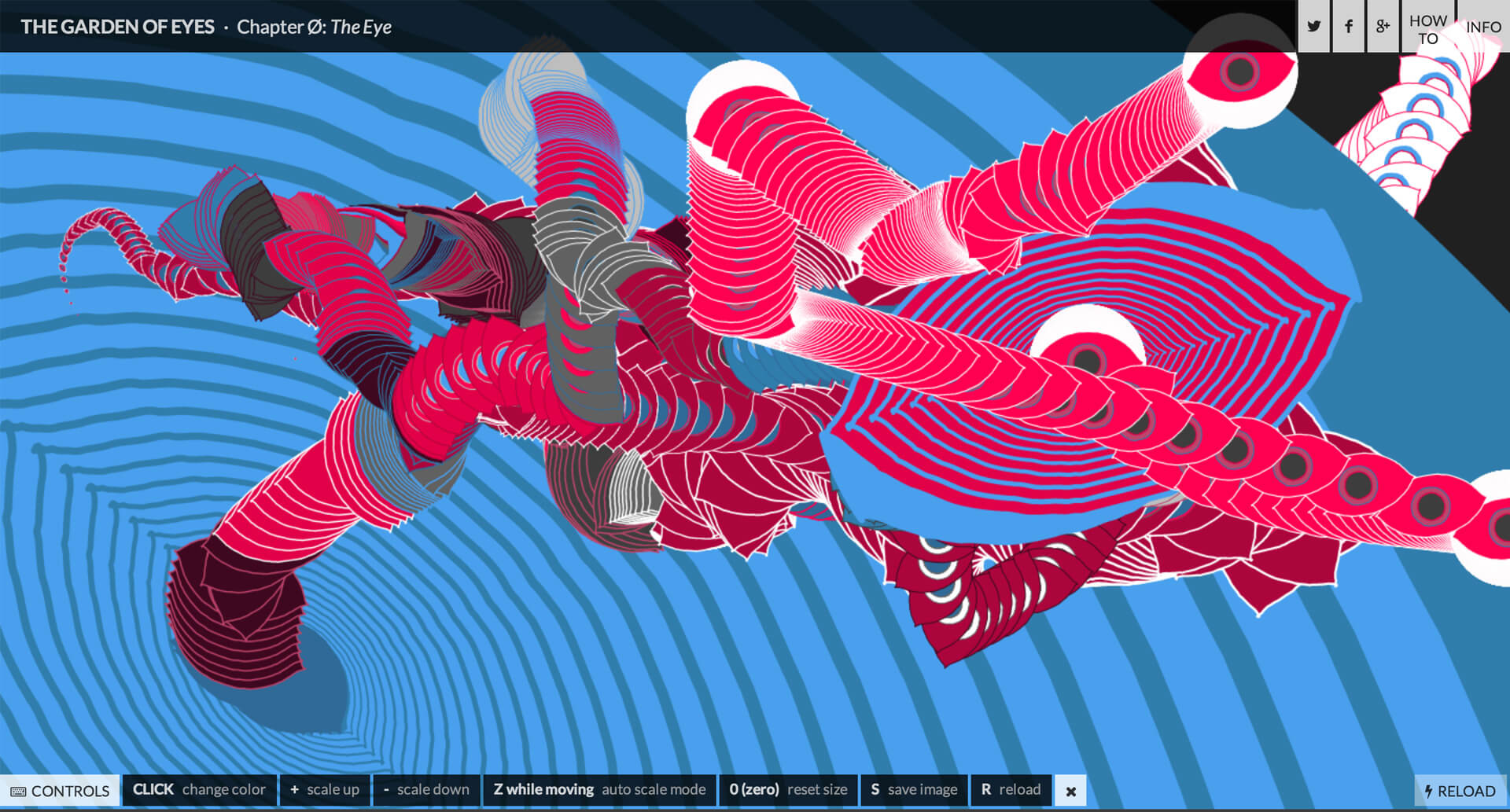
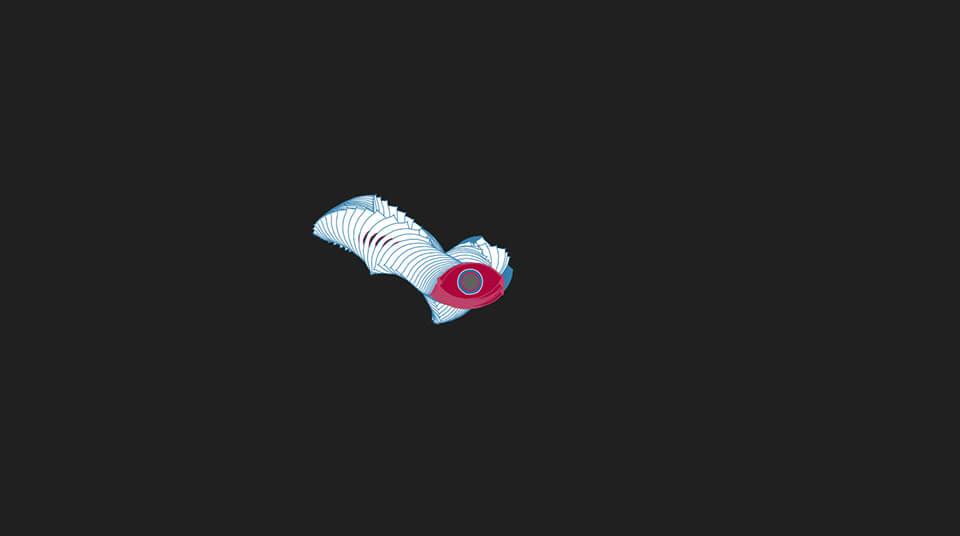
A generative interactive experiment built with Processing and the Hype Framework as a personal project, inspired by the Skillshare Class "Programming Graphics" by Joshua Davis. It is based on one single SVG asset, an eye, which thanks to its rotation and the user interaction creates a generative composition which is always different and unique.
For this project I took care of everything, from the UI and SVG design to the frond-end coding.
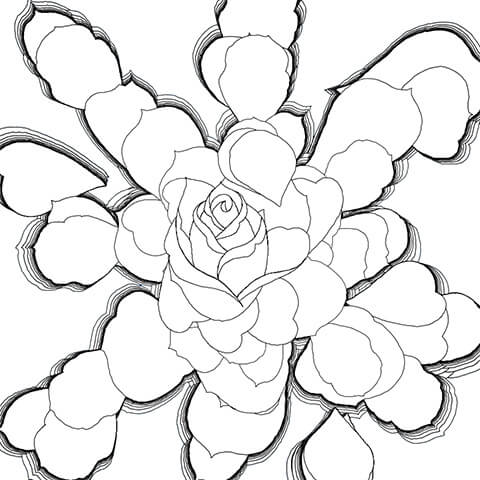
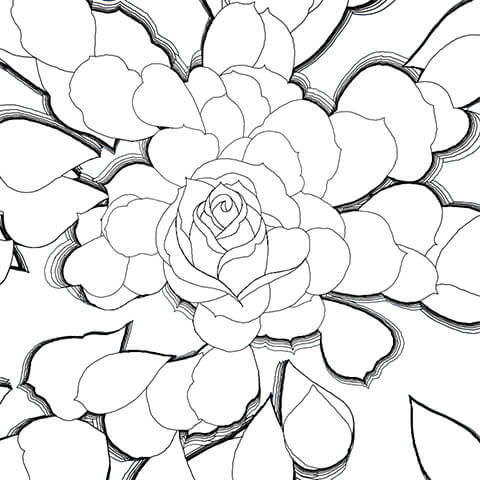
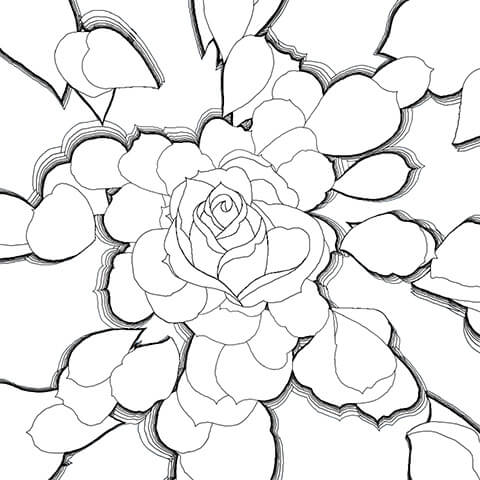
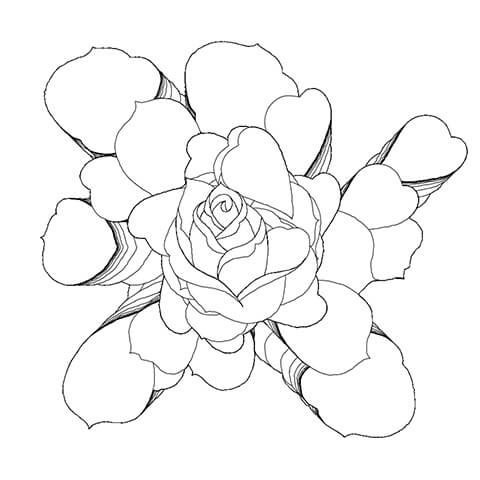
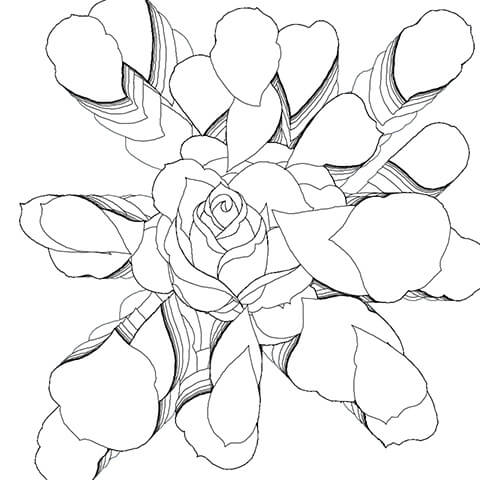
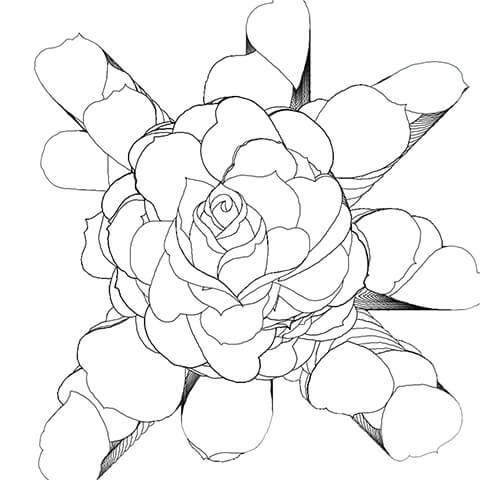
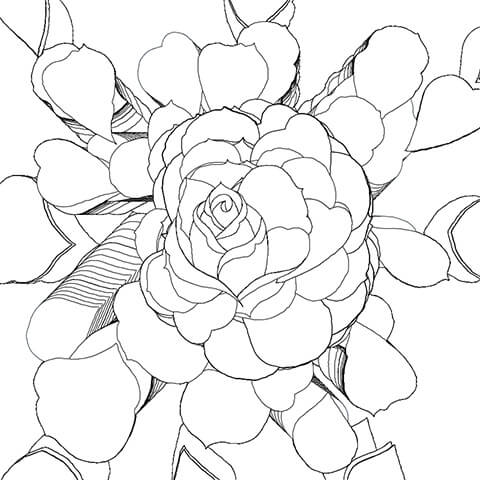
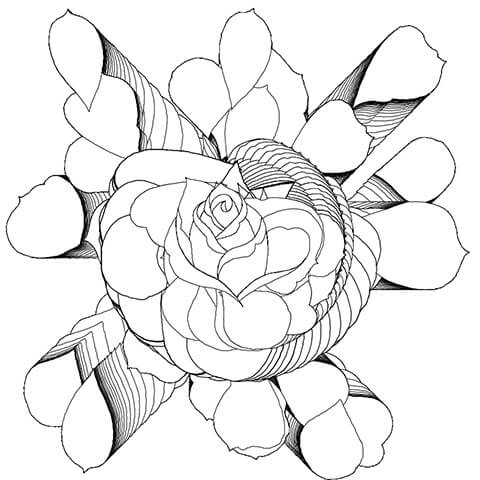
A generative rose rendered using SVG, Processing and the Hype framework.
The flower has been generated after several attempts and fine-tuning of parameters including rotation, size and tween, using various SVG assets for petals to give the render a more "realistic" look. Coloring and final touches in Illustrator.
Some raw renders generated during the creation process:
Post-production in Illustrator:
GCV
Old browser detected!
Vintage is cool, but not when it comes to browsers...I'm sure it's just a misunderstending, and that you know you can download a modern browser such as
addicted to music, travelling & panorama pictures.
I am a maker who can't stay still with a thing for interactive and animated web-stuff, graphic design, illustration and generative art.
Playing with colors, shapes and technology is what I like to do for a living. Music, gigs and travelling are my favourite sources of inspiration. To know more about me, keep reading or drop me a line!
Education
&Experience
In my room
Began personal study of web design
London College - London, UK
Short course in web design (HTML, CSS)
London College - London, UK
Short course in Photoshop, Illustrator and Flash
In my room
Started freelancing to gain as much experience as possible
CreativeWeb - Milan, Italy
Web and graphic designer at CreativeWeb
AdEspresso - Milan, Italy & San Francisco, California, USA
Web/UI and graphic designer at AdEspresso (start-up born as a spin-off of CreativeWeb, selected by 500Startups 2013)
NABA - Milan, Italy
Short course in illustration and digital illustration
In my room
Began personal study of interactive animation with HTML, CSS, Greensock, Processing
Coding / Designing / Partying / Repeat
Resonate - Belgrade, Serbia
three.js workshop with Mr doob at Resonate: basic 2D/3D audio interactive web animation
CSS Dev Conf - Long Beach, California, USA
Attended inspiring and informative talks, especially about SVG
NABA - Milan, Italy
Motion graphic workshop (animation principles, After Effects)